StrongFoam website
The StrongFoam website takes the request on the page: a visitor can start an estimate and book, so the details stay with the request. That is the public shape of this service. Figures and quotes stay off this page.
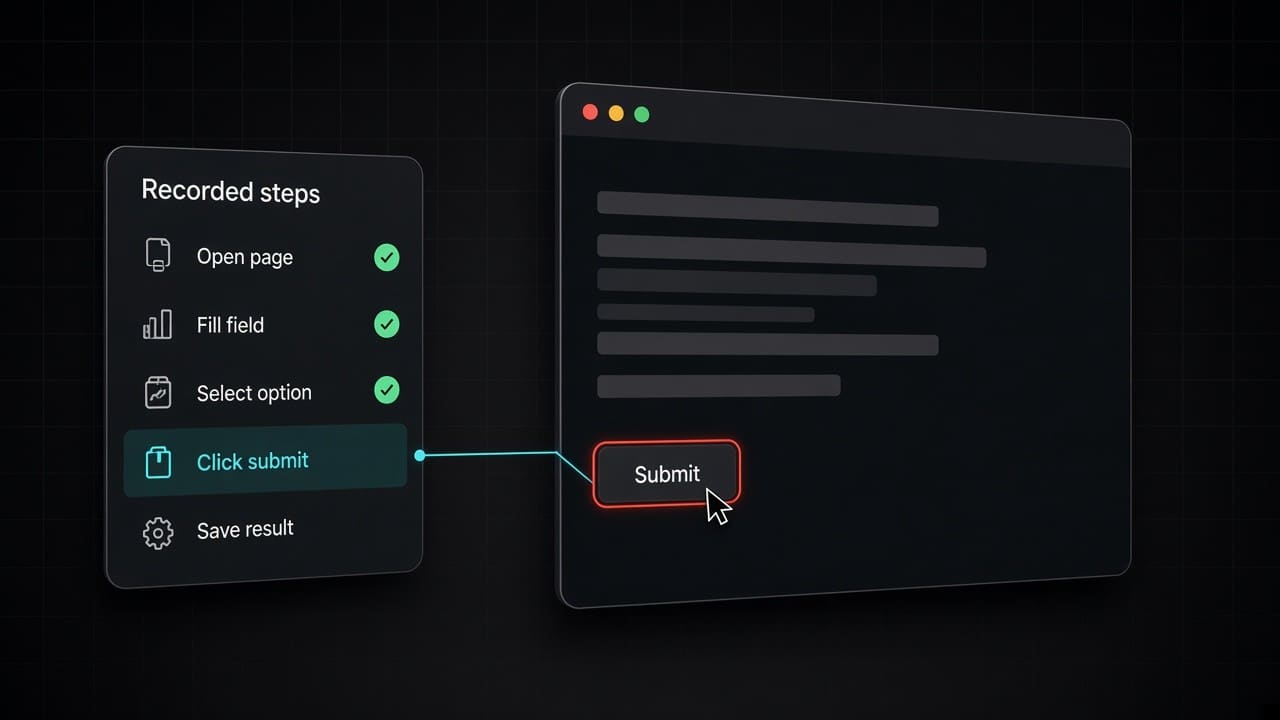
Operations
Hand off the repetitive clicking, form-filling and copying between websites. It runs the same way every time and flags anything unusual for you.
The shift
Downloading reports, filling in forms and copying data between sites takes hours, and one skipped step can throw off your numbers.
A macro on one laptop breaks when a site changes. We set it up to run reliably and show you exactly what happened.
The outcome
Every run follows the same steps, and nothing gets silently skipped.
A page that does not match, a login that fails, a total that looks wrong: a person receives that run. The rest continue.
Each run says what it opened, what it wrote, and where it stopped.
Data goes straight where it belongs.
Where it earns its keep
The same export arrives every week. The run places it in the report you already read, and it stops if a column is missing.
A request already captured on a page is entered into the system of record. The visitor is not asked to send it again by email.
A status, a price, or a listing you are allowed to read is compared with the copy on file. A mismatch is raised. A match is left alone.
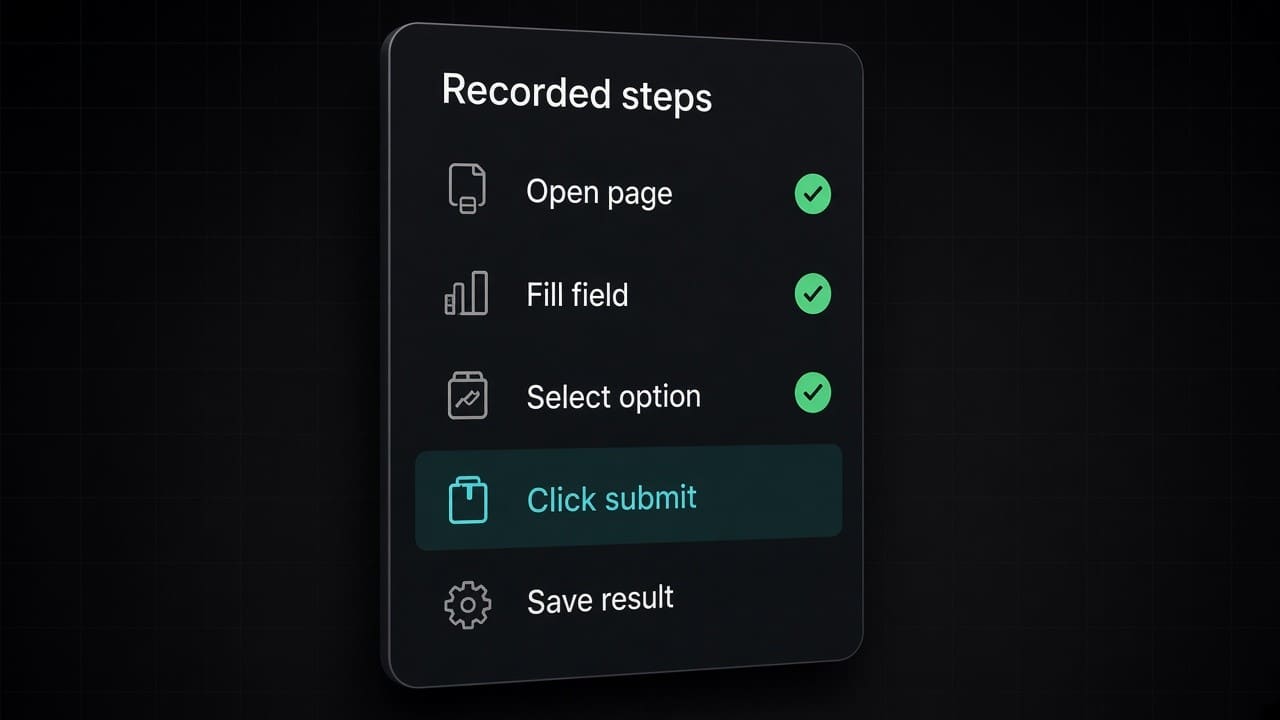
The operating model
From first conversation to a system that runs itself.
We map how the work gets done today, including the calls only a person should make, and agree on it before anything is built.
Built on Cloudflare and connected to the tools you already use, so nothing has to move.
Tested on your real work from last week before any customer sees it.
We launch with close monitoring, keep it running, and you can change the rules at any time. It’s yours to keep.
The decision
Three ways to handle repetitive web work.
| Off the shelf | Hire in-house | Abracadabra | |
|---|---|---|---|
| When the page moves | The plugin breaks on that laptop. | The person notices, or they do not. | The run stops and the log says which step failed. |
| Who can see it | Whoever sits at that computer. | The person, plus whoever they told. | The log, for the people you grant access. |
| What happens to the odd one | It is skipped, or it is entered wrong. | They handle it if they notice. | It waits for a person. The clear runs finish. |
| When you don’t need us | The task happens once a month, the page is stable, and a person can spare the ten minutes. A reminder and a checklist are enough. A site that changes every week is a moving target and should stay with a person. | A hire to click a stable monthly form is a poor use of a person. A hire to handle the exceptions is still right. | A path that keeps changing stays with a person. It’s worth it when the same task comes up often. |
Named work
The StrongFoam website takes the request on the page: a visitor can start an estimate and book, so the details stay with the request. That is the public shape of this service. Figures and quotes stay off this page.
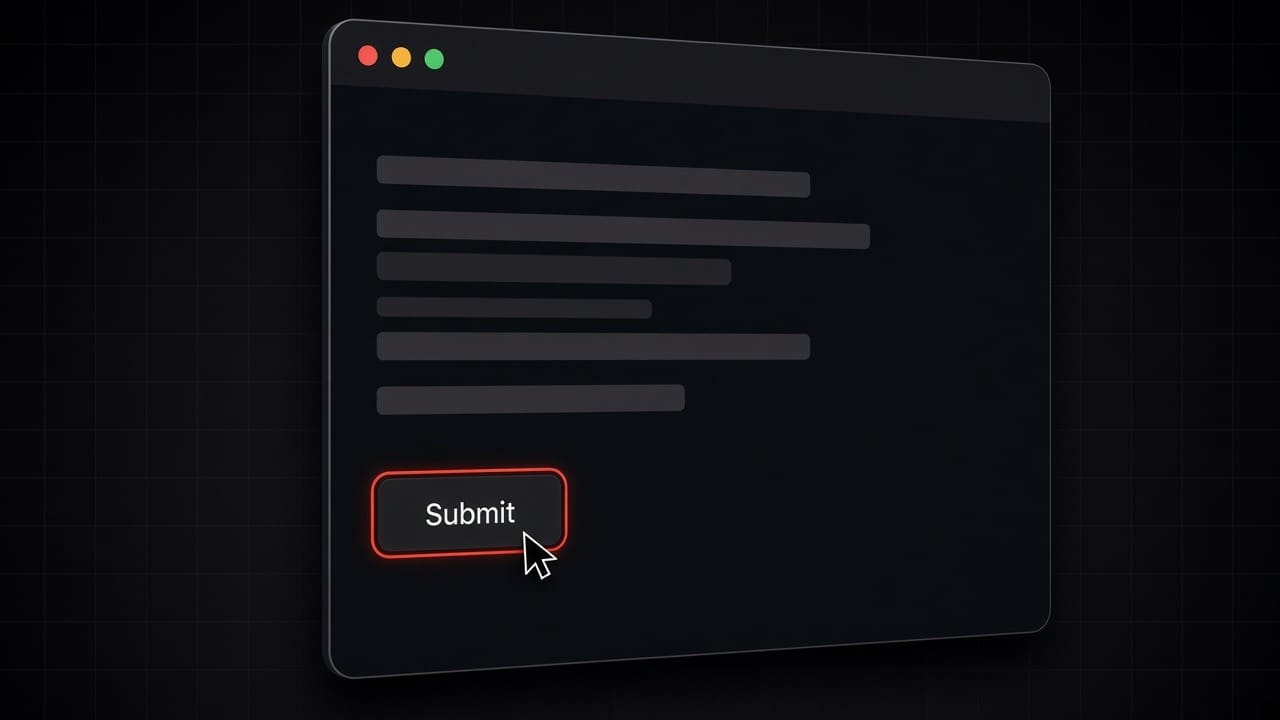
Running in production today.
Priced to the project. Tell us what you need and we’ll quote it.
Questions, answered
faq-title
It uses an account created for the job, with only the access that job needs. It does not use a person’s password.
The run stops and a person receives it. A control the site put there to block automation is not bypassed.
Only where you have the right to act, with an account you control or a page that is public. A system you are not allowed to use this way is left alone.
We rewrite the path and you try it on last week’s file before it replaces the old path.
The log shows the value and the field. The runs on the list can be reversed. A write that is hard to undo waits for a person.
No. It only runs the tasks you set, on your schedule.
Tell us about a web task someone did by hand this week, and we’ll show you how to automate it.